
Meet our free Instagram fonts generator
Instagram gives every profile the same plain font. If you want a bio headline or a brand name to stand out, you need a trick. Fancy text is that trick, and our generator makes it a one-tap job.
Type your text and see it in 15 styles at once, from bold and script to gothic and monospace. Press Copy on the one you like and paste it into your bio, caption or comment.



Here is why you should give it a try
Small changes can make a profile feel more finished. A styled name or a bold tagline draws the eye in a place where every profile looks the same. It costs nothing, needs no app and works on any phone.
The generator updates as you type, so you can compare every style with your own words instead of a sample. That makes it much easier to choose the one that suits your brand.



Who needs an Instagram font generator?
Anyone who wants a little more style.
- Creators who want a distinctive bio headline.
- Small shops that want a styled tagline or label.
- Brands that want their name to stand out in the name field.
- People who want bold emphasis in captions and comments.
- Anyone planning a theme for story text or highlights.



How Instagram fancy fonts work
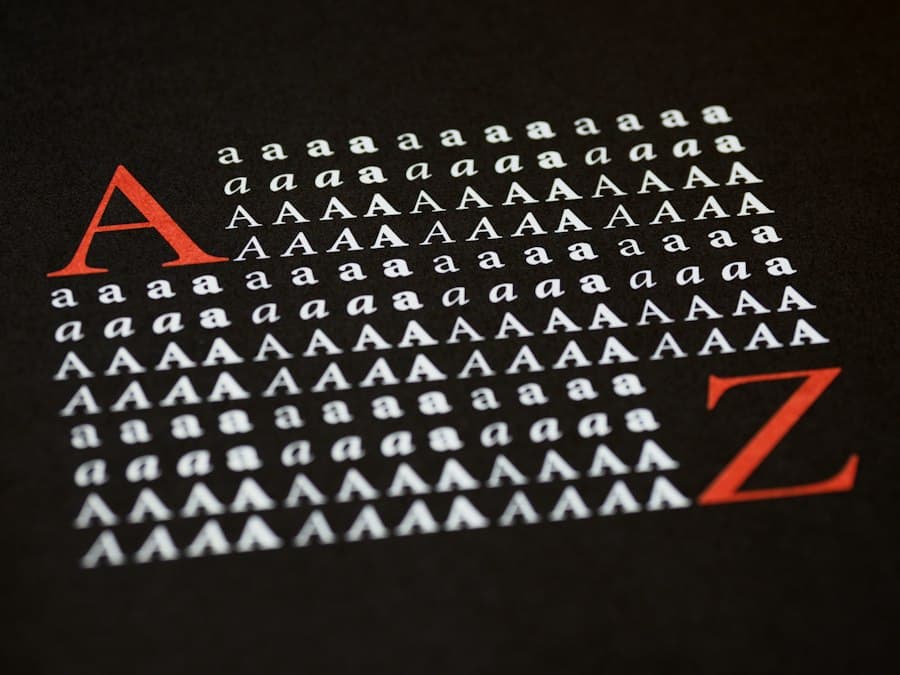
Instagram does not let you choose a different font. What you see in your bio, captions and comments is always the app's own font. Fancy text works around that by using special characters from the Unicode standard that look like other alphabets.
A normal letter is swapped for a matching character in a bold, script or gothic set. The result is plain text, so there is nothing to install and you can paste it anywhere text is allowed.



Where to use fancy text on Instagram
The most useful places are short, high-impact spots.
- Your bio, for a headline or a short tagline.
- Your name field, for a styled brand name. Keep a search keyword in plain text.
- Captions, for a title or a section label.
- Story text and comments, for emphasis.



Which style should you choose?
Bold and sans styles are the cleanest and easiest to read. Script and gothic styles feel more decorative and suit names and short titles. Monospace gives a typed look. Circled and wide text suit small labels such as new, sale or open.
Try a few on your phone, because styles can look slightly different on different devices.



Why doesn't Instagram let you change fonts?
Instagram uses one typeface across the app so every profile looks consistent and loads quickly on every device. Changing fonts would also create problems for readability and accessibility.
Fancy text works inside that rule. It does not change the font. It swaps in Unicode characters that look like other fonts, which is why you can paste them anywhere text is allowed.



Real-life ways people use fancy text
Styled text is small, but it can do a lot of work.
- A florist styles the first line of the bio so the shop name stands out.
- A creator uses bold text for a caption title and plain text for the rest.
- A band adds a script style to a tour announcement.
- A small brand labels highlight covers with circled or wide letters.


Do's and don'ts for fancy fonts
Keep it simple, and keep it readable.
- Do use styled text for short phrases.
- Do test it on a phone before you post.
- Do keep prices, dates and contact details in plain text.
- Don't style your whole bio.
- Don't use it in your username, which does not allow it.
- Don't rely on it for search keywords.



Accessibility and readability
Screen readers may read styled characters as long strings of unusual symbols, or skip them. A few older devices may show empty boxes. Use fancy text for short phrases only, and keep important details such as prices, dates and contact information in plain text.



Fancy text and Instagram search
Instagram search may not match styled letters to plain words. If you style your whole name field, people who search for your craft or city may not find you. Keep your username and the keywords in your name field in plain text, and use styled text as a visual extra.



Instructions for using the generator
Type or paste your text into the box. Scroll through the styles and find the one you like. Press Copy next to it. Open Instagram, tap Edit profile and paste into your bio or name field. For a caption, paste into the caption box.
Check how it looks on your own phone. If any letters show as boxes, try another style.



Is it safe to use?
Yes. The generator runs in your browser and never asks for your Instagram login. Your text stays on your device, and the styles are plain characters, so there is no file to download and nothing to install.



Tips to get more from fancy text
Use styled text for one thing per profile, such as the headline in your bio or a short label in your highlights. Too much styled text looks busy and is harder to read. Keep your username, your search keywords and your contact details in plain text, so search and screen readers still work.
Test every style on a real phone before you post. If you also run a website or a shop, check that the styled brand name looks right there too.



What to do after you paste
Look at your profile on a phone and on a friend's phone if you can. If a letter shows as an empty box, switch to a different style. Revisit your bio every few months and refresh the styled line so it still feels current.



How to use the fancy font and text generator
Turn plain text into bold, italic, script and other styles you can paste into your bio, captions and comments. Type once, then copy any style.
- Type or paste your text in the box.
- Scroll through the styles and find the one you like.
- Press Copy, then paste it into Instagram.



Stand out in a bio
A styled headline draws the eye in a field where every profile looks the same.



Works everywhere
The styles are plain Unicode characters, so they paste into bios, captions, comments and stories.



No install, no login
Type your text, copy a style and paste. Nothing to download.



Fancy text tips
A few habits make every result better.
- Use styled text for short headlines only.
- Keep contact details in plain text.
- Do not style your username. Instagram does not allow it.
- Check how it looks on a phone before posting.
- Try bold or sans for the cleanest look.